Glyphs 4 is out. What’s new?
If you’ve been using Glyphs 3 for a while, you’ve probably wondered when Glyphs 4 would finally arrive.
Well, that wait is over.
Glyphs 4 is currently available.
Last month, in The Hague, we had the opportunity to catch up with Rainer, one of the creators of Glyphs. It was great hearing about the philosophy behind 4 and seeing where the software is headed.
After spending some time with Glyphs 4, one thing becomes clear. This isn’t a complete reinvention of Glyphs. It’s a refinement of almost every part of the application.
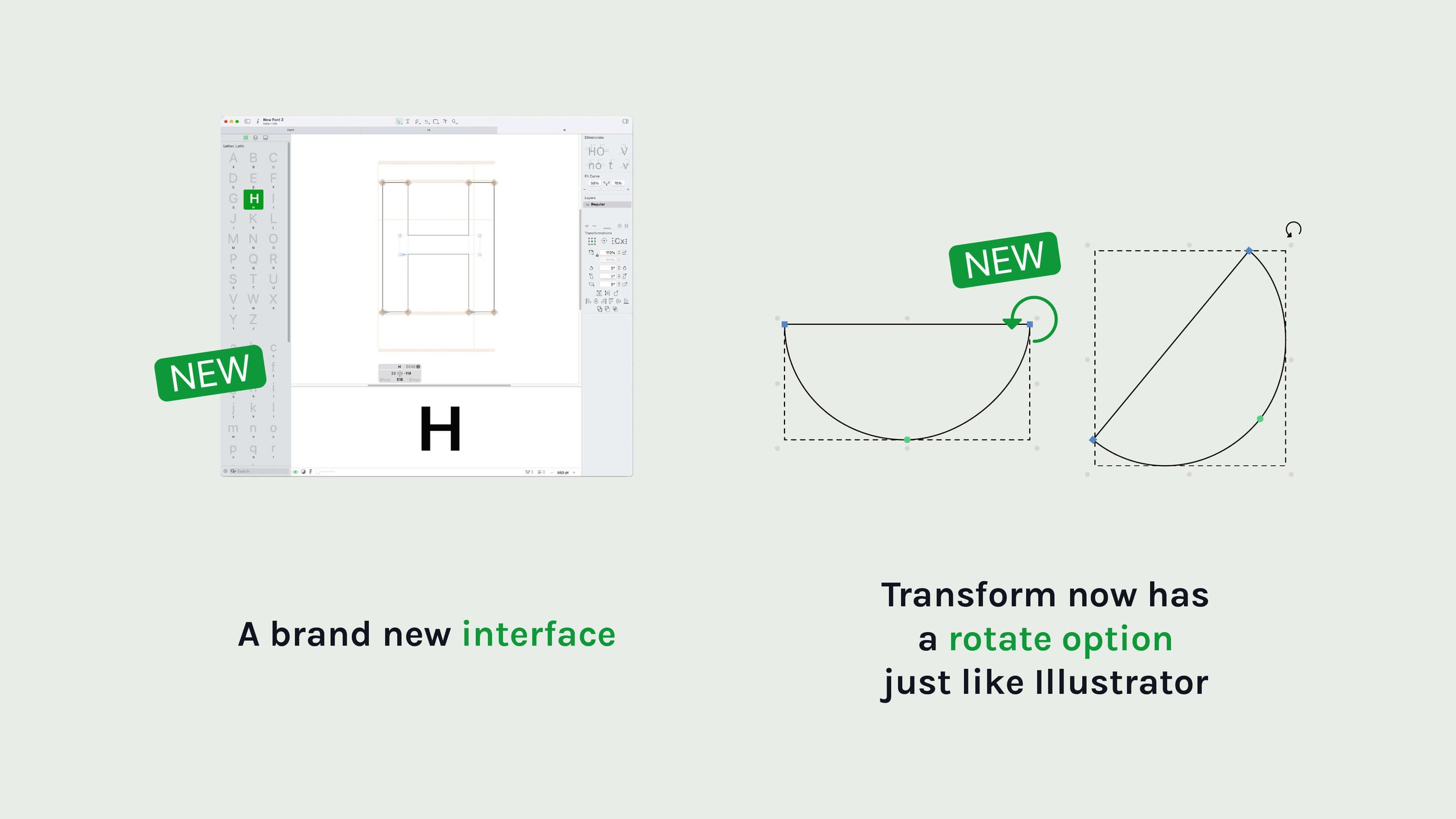
A fresh interface
The first thing you’ll notice is the redesigned interface. Everything feels cleaner, lighter and more consistent. Panels have been reorganized, tools are easier to find and the application makes better use of the available screen space. The redesign doesn’t change how you design type. It simply works a bit more intuitive and has lots of new options for your workflow.
Many of the improvements focus on the actual drawing experience. One of the most noticeable additions is the ability to rotate selections directly on the canvas, much like Adobe Illustrator. It’s a small feature that removes several unnecessary steps when building accents, symbols or experimenting with new ideas.
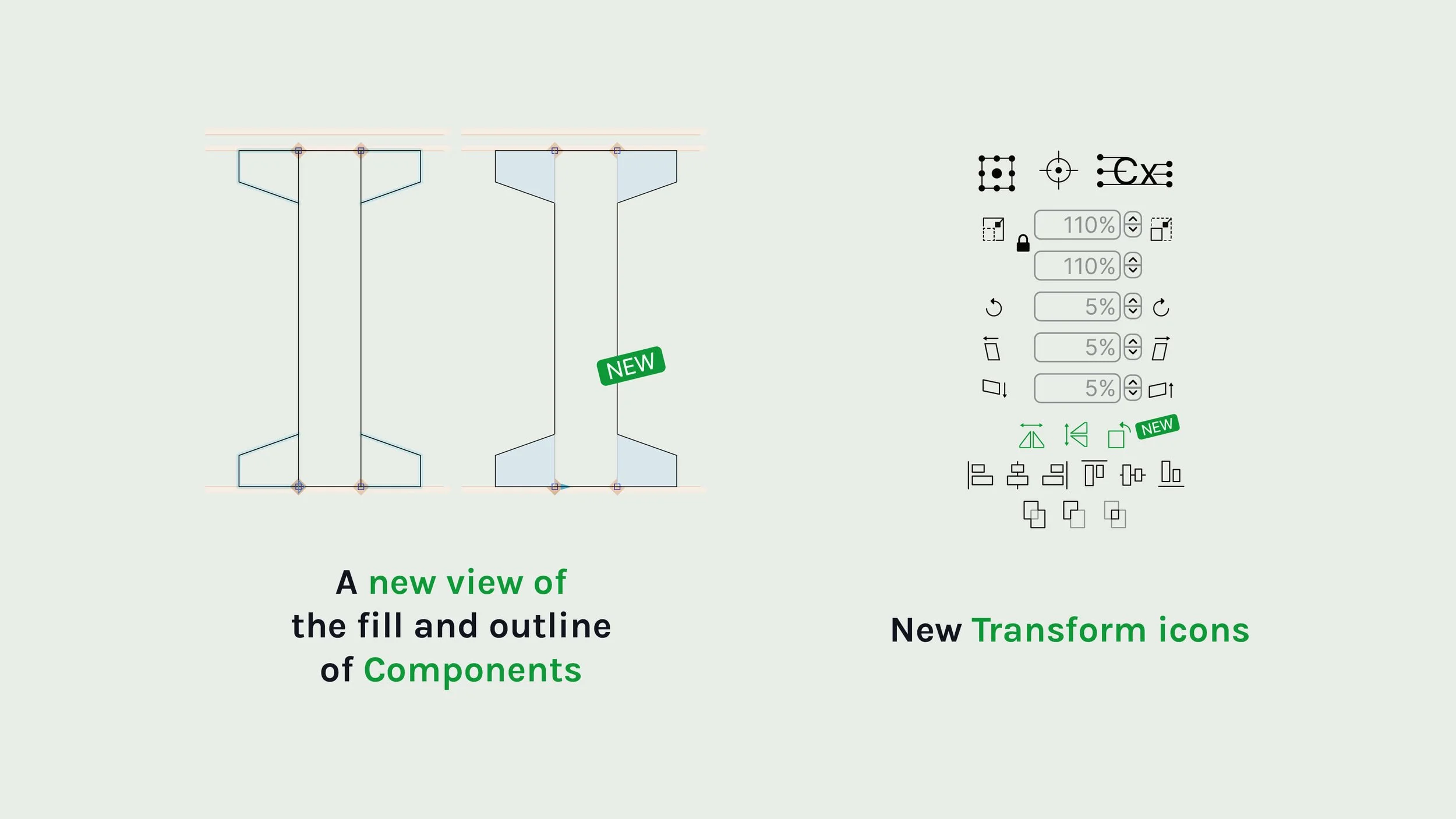
Transform tools have also received new and rearranged icons, making them easier to recognize at a glance.
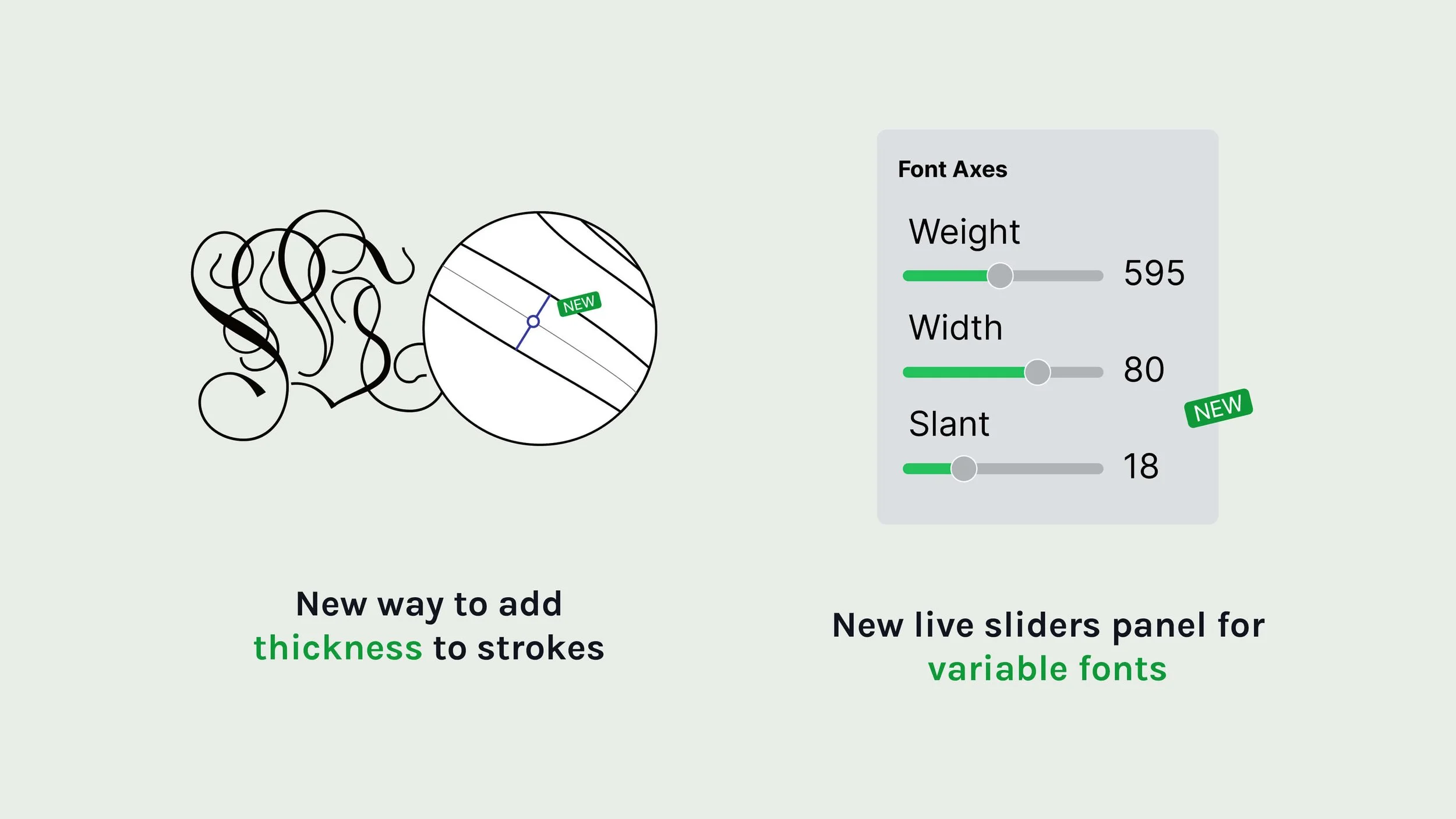
Another welcome addition is the ability to add nodes directly onto existing segments and immediately thicken strokes in a much more intuitive way. If you’ve ever wished drawing in Glyphs felt a little closer to working with a broad nib or calligraphy pen, you’ll appreciate this workflow. In the Script Fonts Course update I’ll definitely add a module on this helpful new feature.
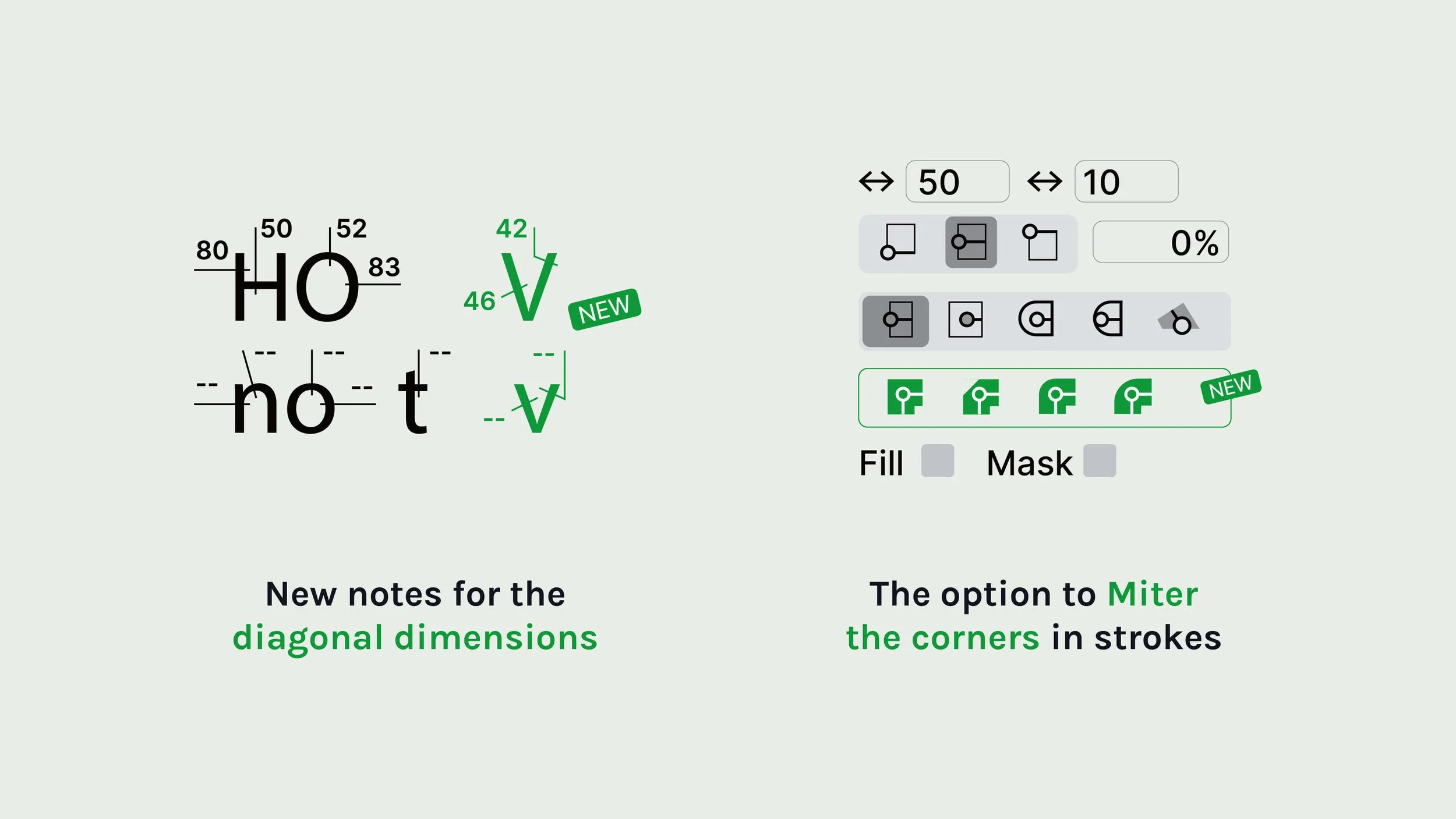
More precision where it matters
As you know, type design is all about precision. Glyphs 4 introduces several improvements that help you make better decisions while drawing.
Diagonal measurements are now displayed, making it much easier to evaluate angled stems and spacing on letters like V, W, N, and Y.
Corners also become more flexible with the addition of a Miter Corner option, giving you more control over how sharp joins are handled. Individually these updates may seem small but combined, they remove dozens of tiny interruptions during a normal day of drawing.
Better ways to build complex typefaces
Glyphs has always been strong when it comes to production, and Glyphs 4 continues in that direction.
Variable font workflows receive live sliders, allowing you to preview interpolation and design space changes more naturally while you work. Managing large font families also becomes much easier. Creating dozens, or even hundreds, of instances can now be automated far more efficiently, which is particularly useful when working on extensive variable or retail families.
These are exactly the kinds of improvements you don’t necessarily notice in a demo video, but you’ll appreciate every time you build a serious type family. And yes, the Font Making Course update will definitely feature all of this.
Components are one of the biggest time savers in font making. Glyphs 4 introduces new viewing options that make it easier to distinguish between component outlines and full outlines while editing.
If you’ve ever worked on large character sets with heavily reused components, this makes navigating complex glyphs noticeably clearer. Again, it’s another example of reducing friction rather than introducing a new sort of complexity.
An image trace filter
One feature that will undoubtedly get plenty of attention is the new Image Trace filter. Rather than manually rebuilding every imported sketch, Glyphs can now help convert source artwork into editable vector outlines.
Will it replace careful drawing? No.
But it can provide a useful starting point when experimenting with lettering, connected script fonts, historical references or scanned sketches. As with every automated tool, the quality still depends on the designer behind it but I think it’s a good step forward.
Hundreds of small improvements
Perhaps the biggest improvement isn’t a single feature at all but the accumulation of countless small refinements. Menus feel more consistent and tools behave more predictably, drawing feels smoother and your workflows require fewer clicks.
None of these changes are revolutionary on their own but together, they make Glyphs feel more polished than ever. And that’s exactly what you’d hope for from a major version update.


What this means for the Font Making Course(s).
If you’re planning to join the next enrollment of the Font Making Course, you won’t have to worry about software compatibility. We’ve already updating the course to be fully Glyphs 4-proof. That doesn’t just mean replacing a few screenshots. We’ve be recorded 7 videos, explaining the new interface and making sure every exercise works smoothly in Glyphs 4.
If you’re using Glyphs 3, you’ll still be able to follow along without any problems.
Everything you learn about spacing, interpolation, OpenType features, production and drawing principles carries over regardless of the version you’re using.
Last edited: Sep. 12th 2026
Frequently Asked Glyphs 4 Questions
-
No. The upgrade from 3 → 4 will be EUR/USD 199.
Full Price EUR/USD 319
Upgrade EUR/USD 199
Teachers EUR/USD 199
Students EUR/USD 159
For a current pricing, please contact Glyphs website or Forum.
-
Yes. The Public Preview installs alongside Glyphs 3, allowing you to test new features without affecting your existing projects.The Public Preview installs alongside Glyphs 3, allowing you to test new features without affecting your existing projects.
-
Rather than one headline feature, Glyphs 4 improves almost every part of the application through a redesigned interface, smoother drawing tools, better measurements, improved production workflows and dozens of quality-of-life enhancements.
-
Absolutely. The next enrollment will be fully updated for Glyphs 4 while remaining compatible for students who continue using Glyphs 3.
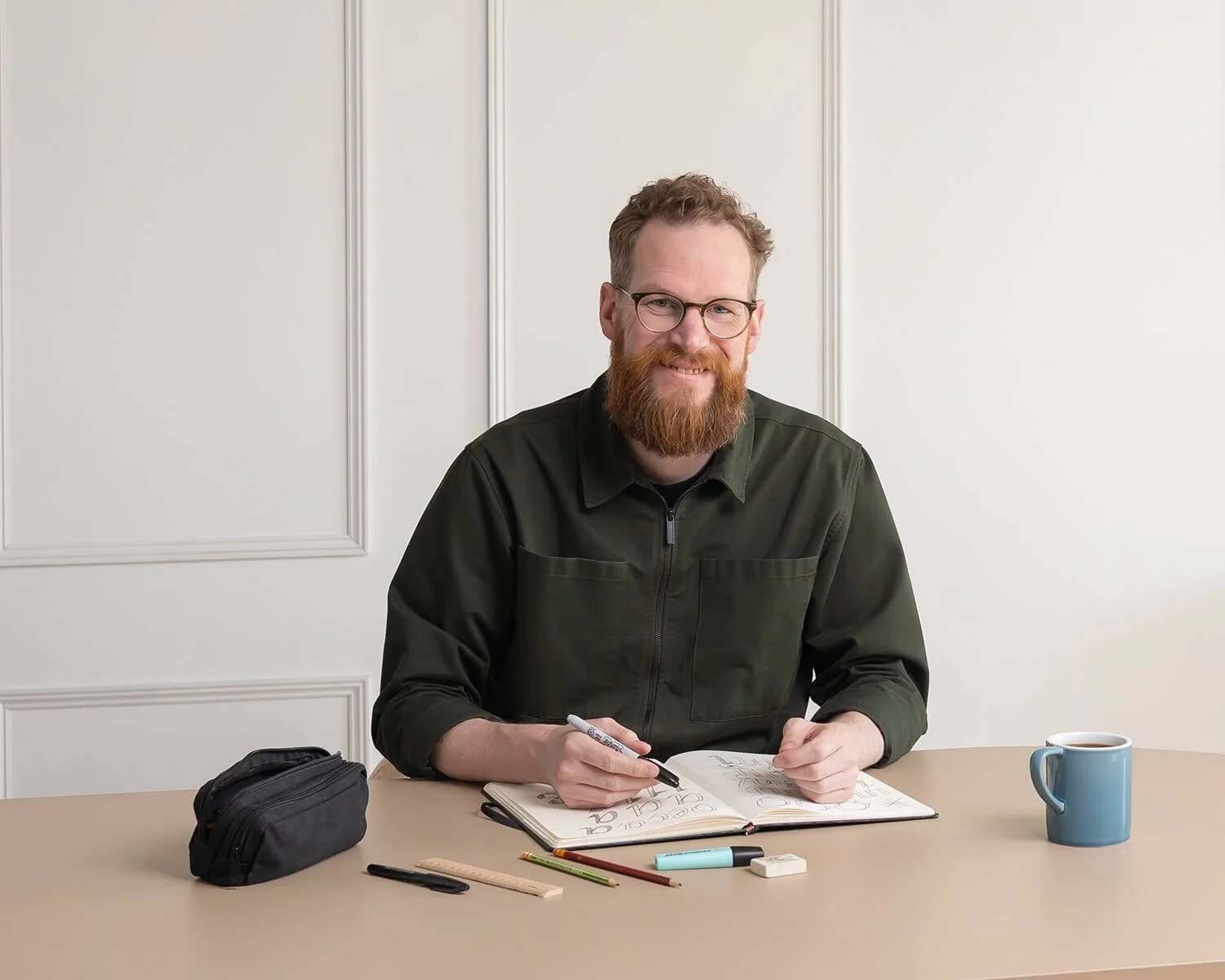
Hi, my name is
Viktor Baltus
I’m a Dutch designer with a passion for calligraphy and typography. During my studies in Amsterdam, I discovered a love for font-making and now I love helping other aspiring designers turn their font-making dreams into reality. I believe in teaching in a clear and concise manner, so my students can easily understand and grow as designers. Whether you're looking to pick up new design skills or just brush up on your knowledge, I’m here to help.

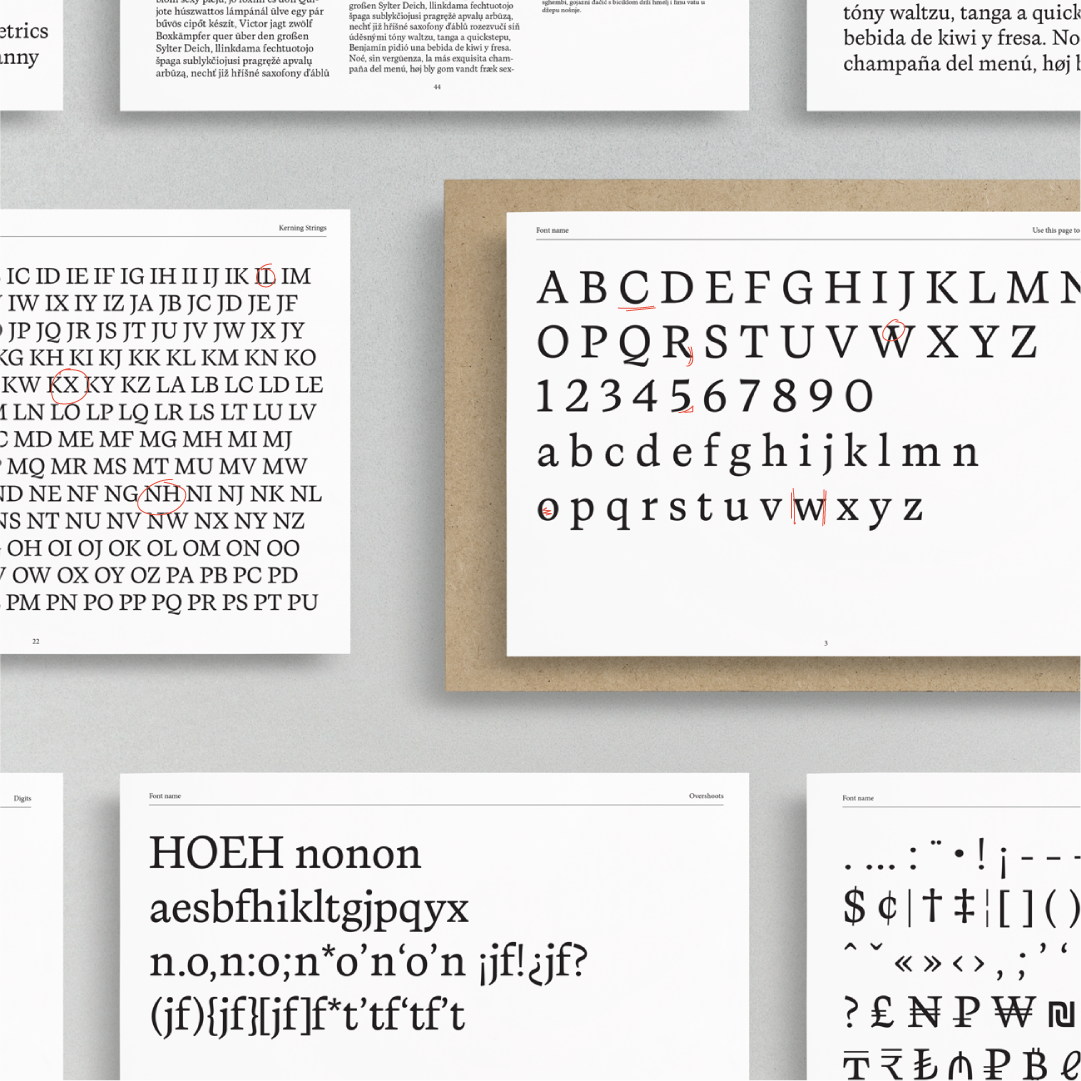

There are more type foundries out there than you might think. From small one-person studios to established independent foundries, the type-design landscape is full of people making and publishing their own typefaces.
So we put together a list of type foundries and independent type designers worth knowing.